Skip to product information
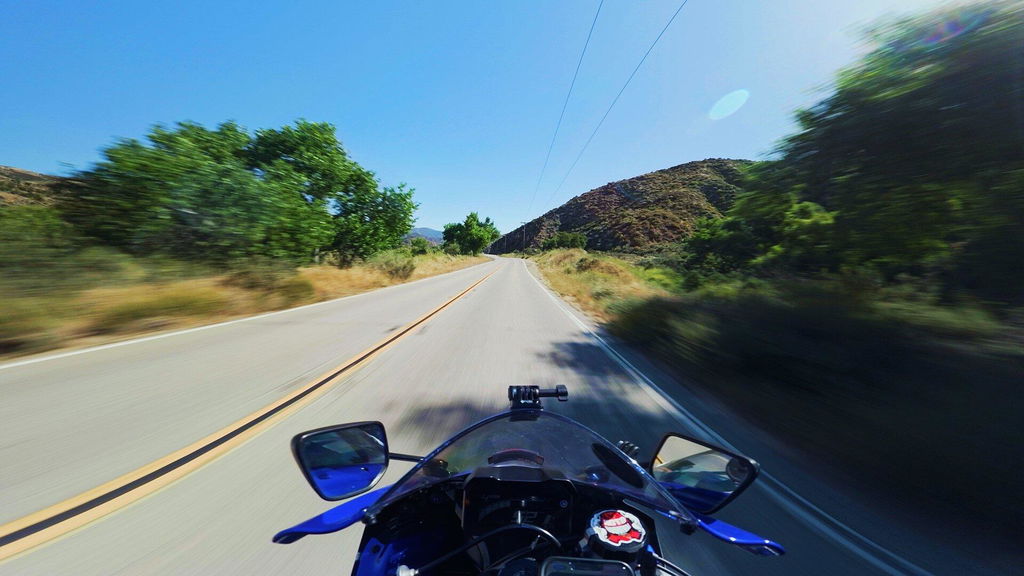
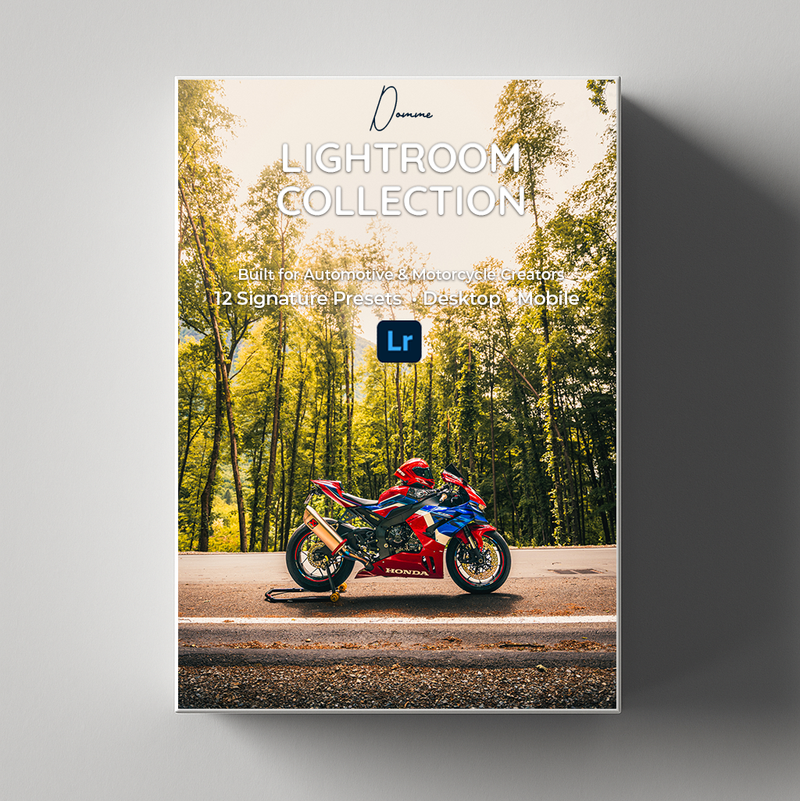
Cinematic Lightroom Preset Collection

Cinematic Lightroom Preset Collection

Sale price  €29,95 Regular price  €34,95

⭐⭐⭐⭐⭐ Rated 4.8/5 by creators

WHAT YOU GET

Get my complete Lightroom Preset Collection, including
11 cinematic presets and access to my private Lightroom workflow tutorial page.
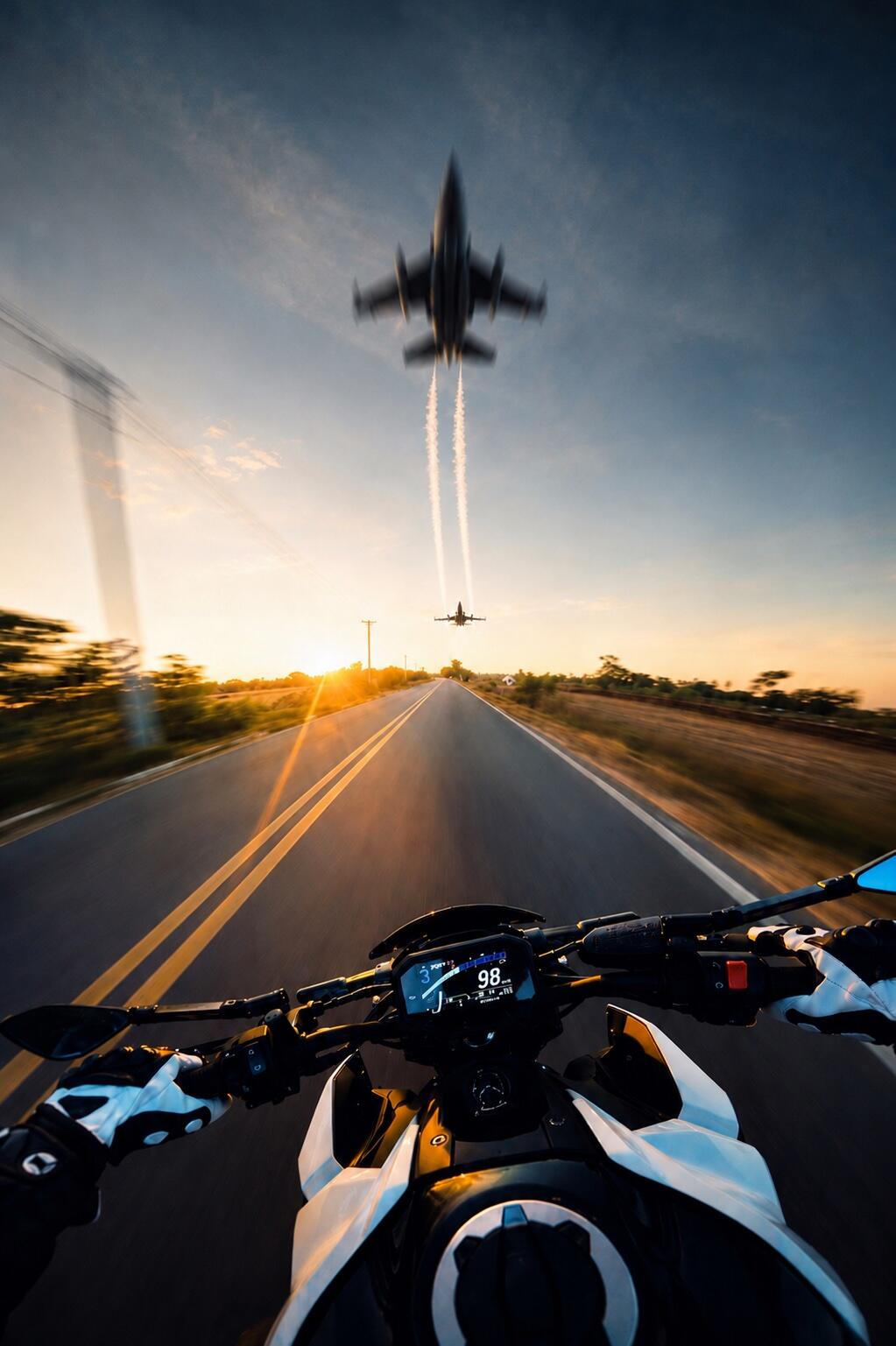
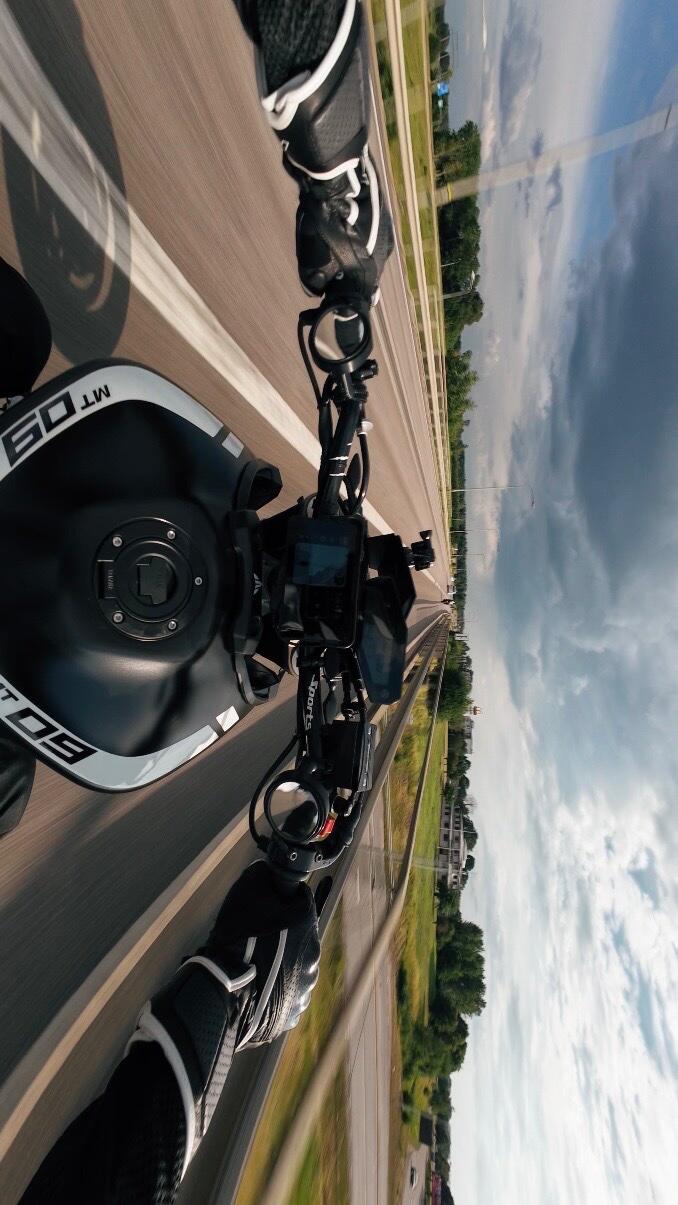
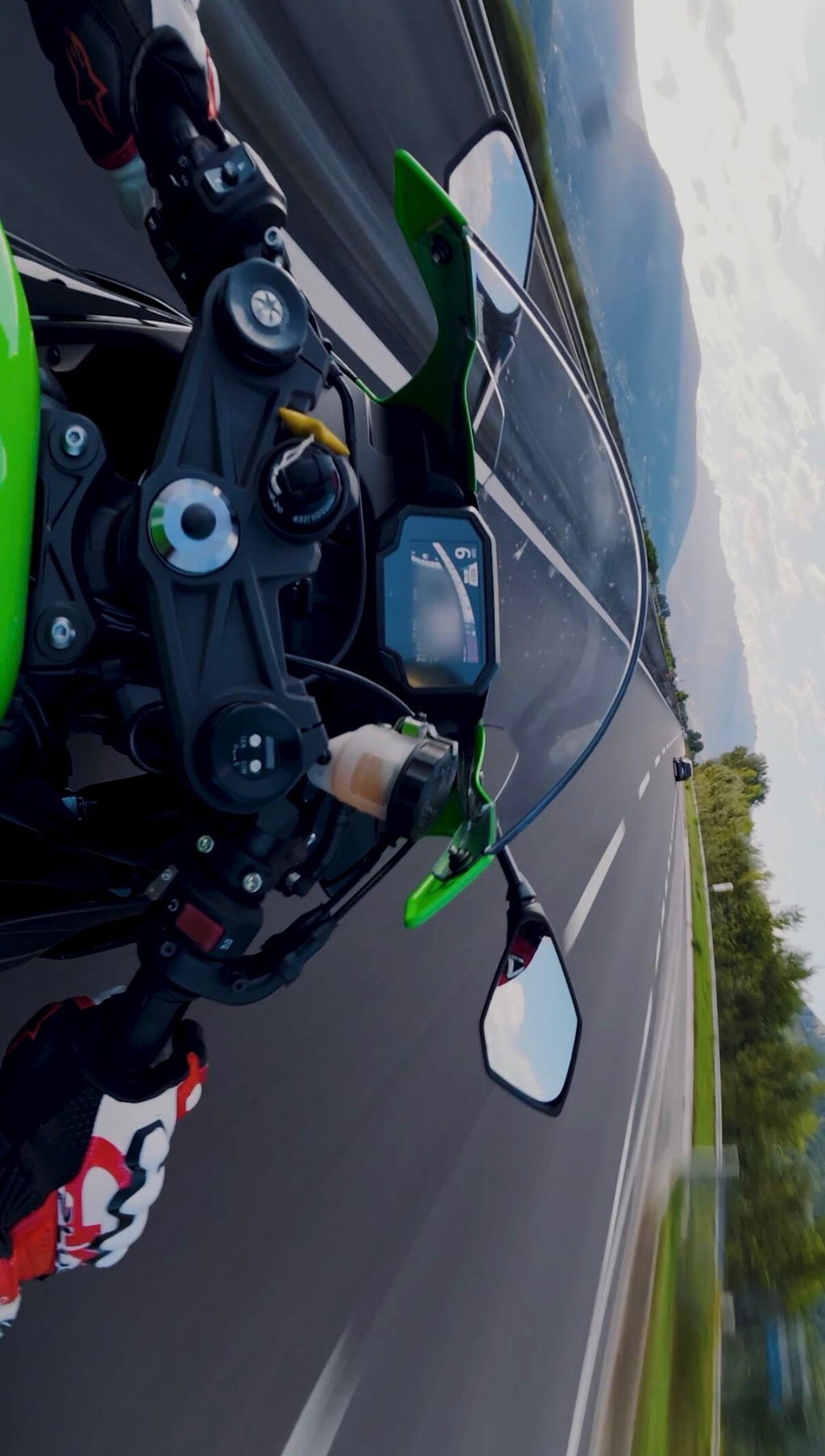
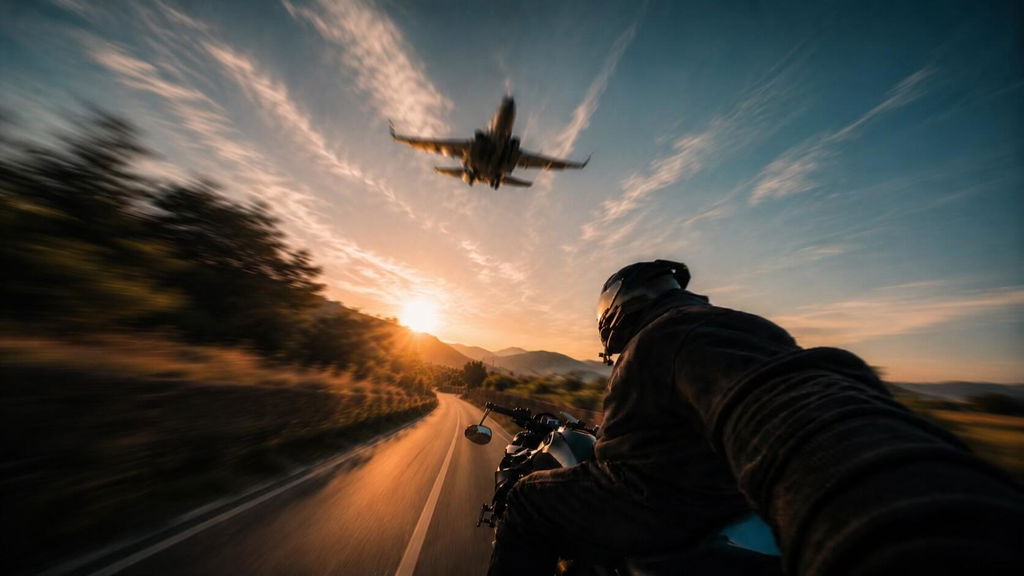
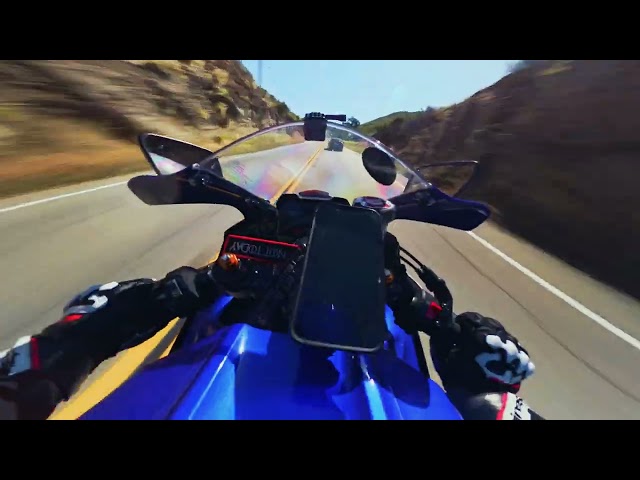
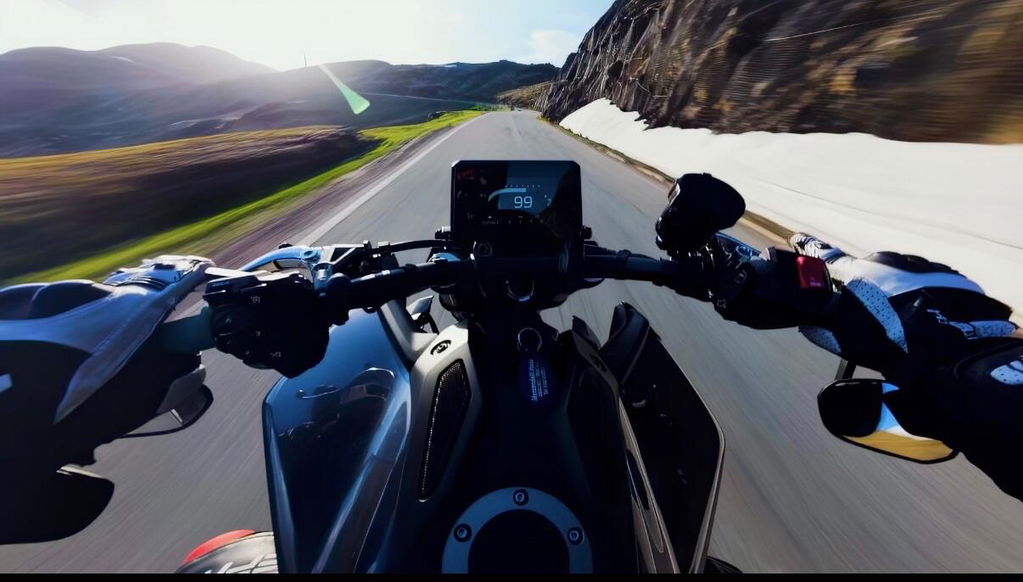
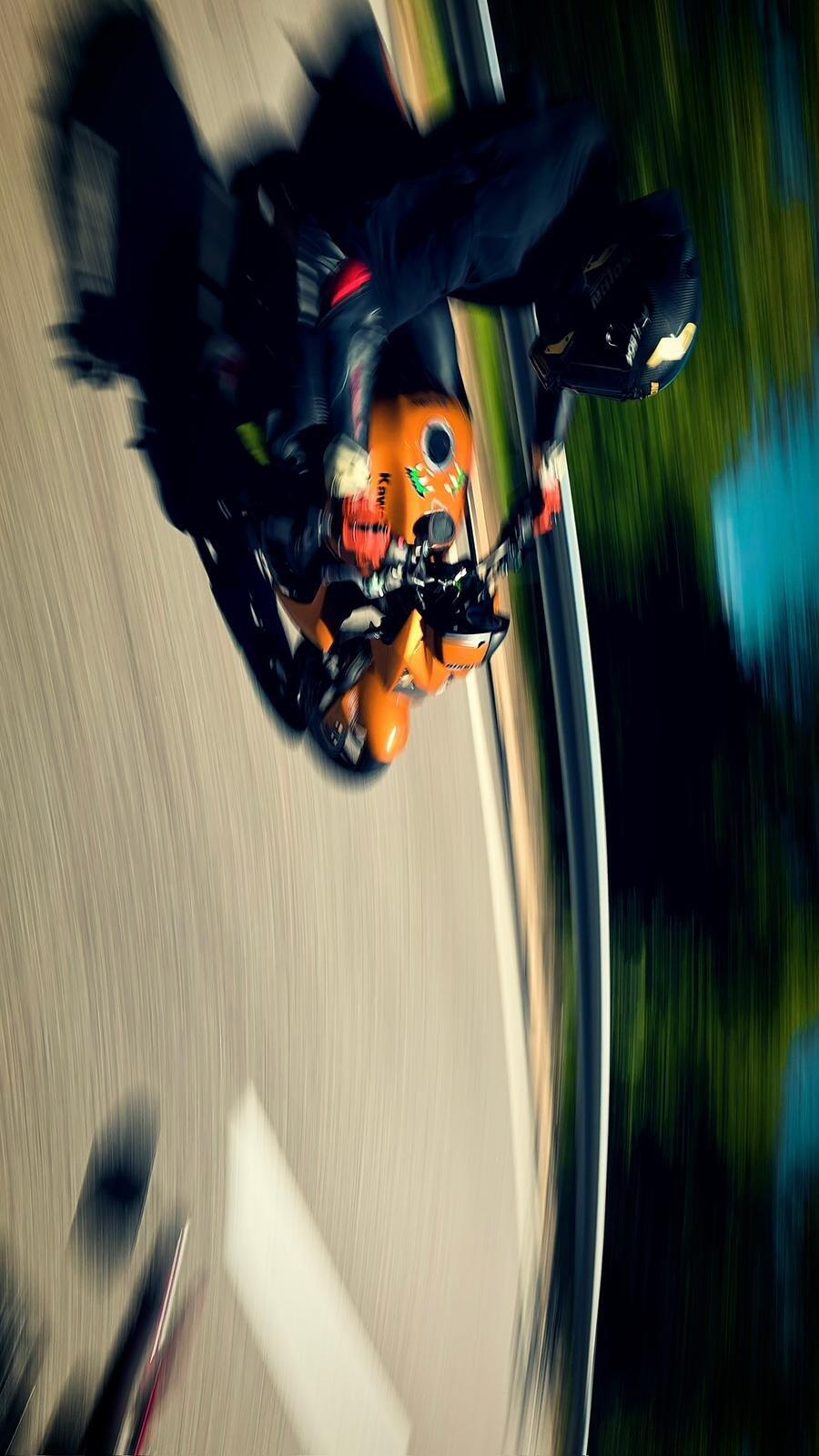
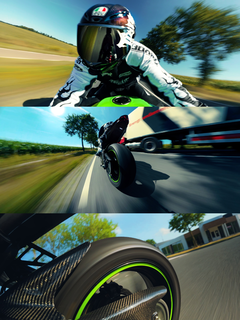
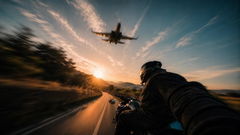
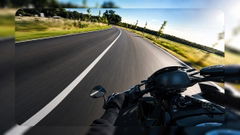
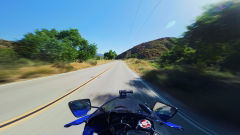
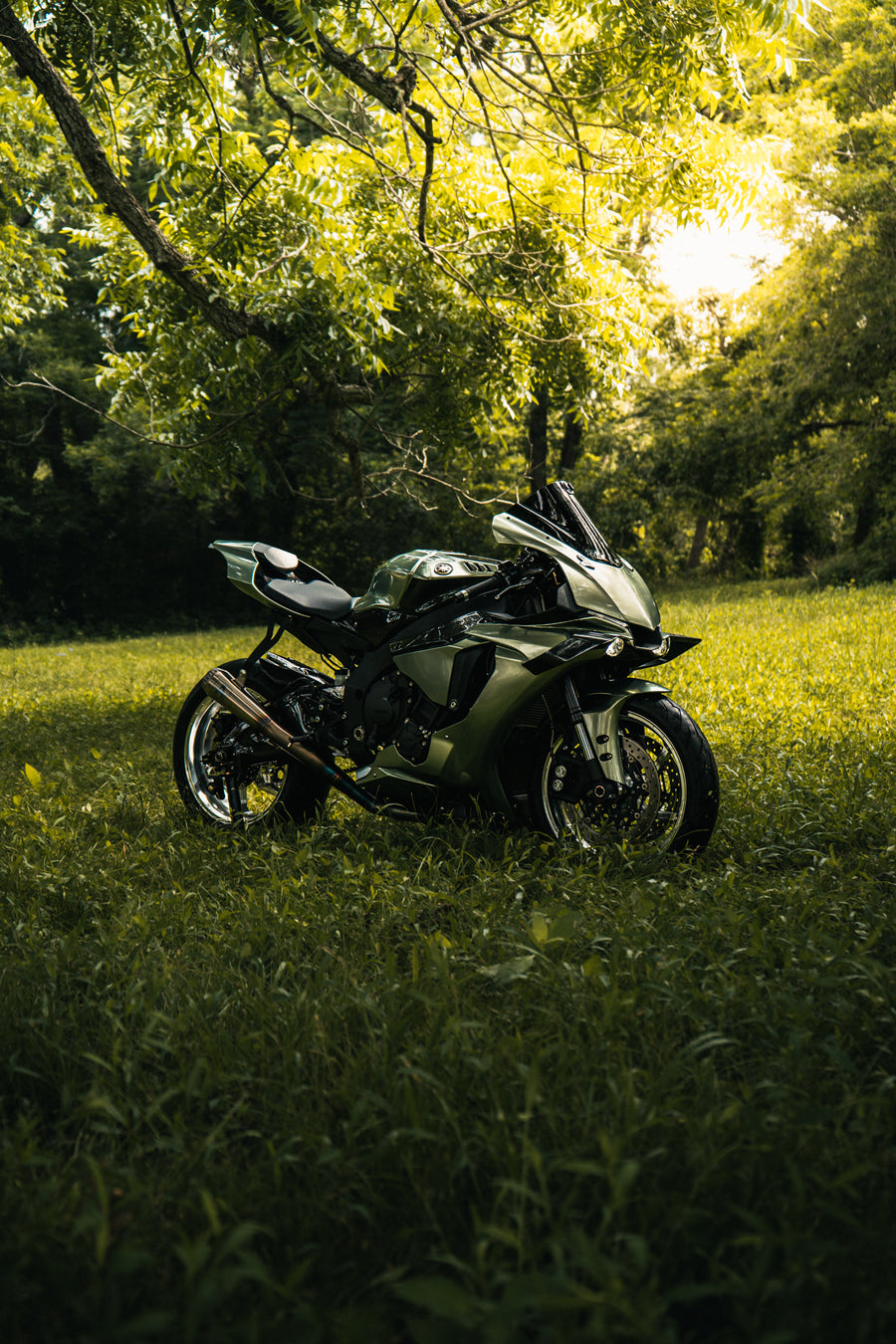
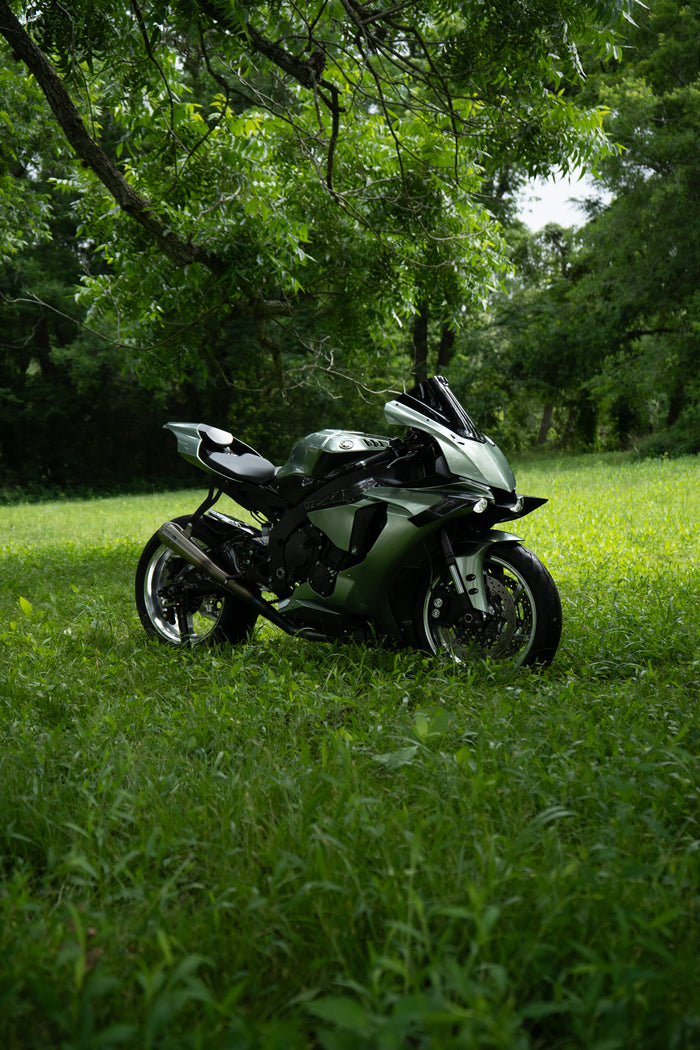
The presets are built for motorcycle and automotive photography and are designed to give your RAW photos a strong cinematic base in one click.

Included:

11 Custom Lightroom Presets
Distinct cinematic looks for different lighting conditions, colors and environments.

• Private Lightroom Workflow Page
Access to my private tutorial page with 2 complete workflow videos and a written guide.

• 2 Step-by-Step Workflow Videos
Learn exactly how I apply the presets, correct the image and use masks for the final cinematic result.

• Written Quick-Start Guide
A simple guide next to the videos so you can follow the workflow more easily.

• Instant Download
Download the ZIP file immediately after purchase and start editing right away.

COMPLETE LIGHTROOM WORKFLOW

This pack does not only include the presets.
You also get access to my private Lightroom tutorial page, where I show my complete editing workflow from start to finish.

Inside the tutorial page:

2 full step-by-step workflow videos
A written guide next to the videos
• Exact preset application process
• Exposure and white balance correction
• How and why I use masks
• How to bring out the car or motorcycle
• How to add depth, light and detail
• How to get the best result from every RAW file

Video 1 — Preset Installation & Basic Correction
-Learn how to install the presets, apply them correctly and adjust each image for the best possible result.
-I show how I correct exposure, white balance, highlights and shadows so the preset works properly on different photos.

Video 2 — Custom Masking Workflow
-Learn how I use masks to make the subject stand out and create a more professional cinematic edit.
-I show how I enhance the vehicle, control the background, add light where needed and create more depth in the image.
-The presets are designed to give you a strong cinematic base in one click.

Exposure, white balance and masks are adjusted individually because every photo is different. The included workflow videos show you exactly how to do that.

Want to see the exact looks first?
Explore all 11 presets with before-and-after examples →

EXPLORE THE LOOKS


See exactly how every preset transforms a real image before choosing the right look for your photo.

The complete preset gallery includes:

• Real before-and-after comparisons
• All 11 preset names and styles
• Recommended scenes and lighting conditions
• Clear labels whenever custom masks were used

Some final examples include additional custom masks to demonstrate the full editing potential. These masks are not included inside the preset files.

EXPLORE ALL 11 PRESETS →

COMPATIBILITY


Designed for:

• Adobe Lightroom Desktop/Mobile
• Windows & macOS | Android & iOS
• RAW & JPEG images

RAW files are recommended for maximum editing flexibility and the best possible results.

Adobe Lightroom is required and not included.

All preset files, tutorials and the written guide are available immediately after purchase.

Instant digital delivery. By completing your purchase you expressly consent to immediate delivery of the digital content and acknowledge that you thereby waive your 14-day right of withdrawal (EU consumer law).

FIND YOUR SIGNATURE LOOK

THE FULL COLLECTION

FIND YOUR SIGNATURE LOOK

Discover all 11 Lightroom presets through real before-and-after edits.

DISCOVER THE PRESETS

THE PROCESS

From Raw To Cinematic

The exact editing process behind the signature look — step by step.

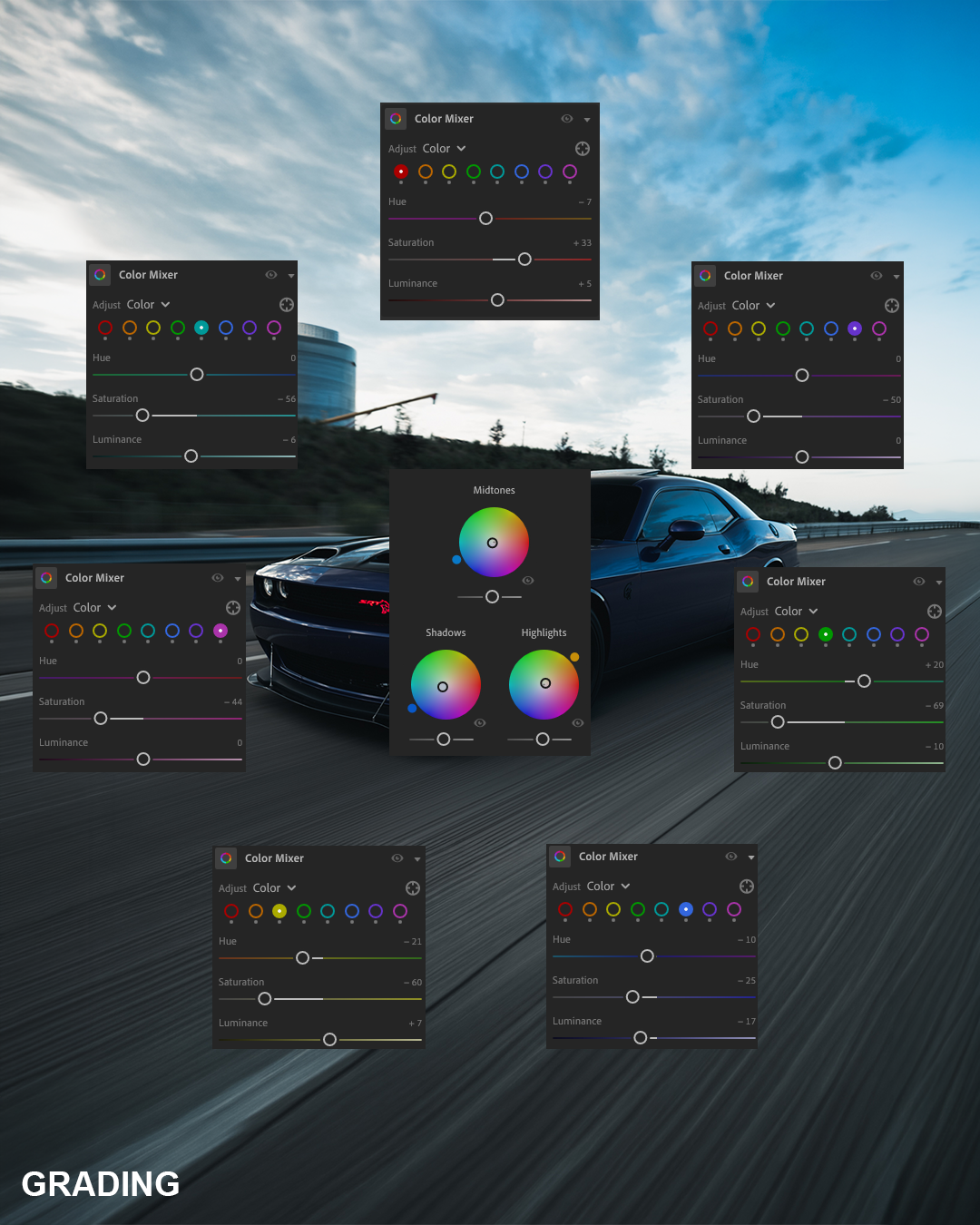
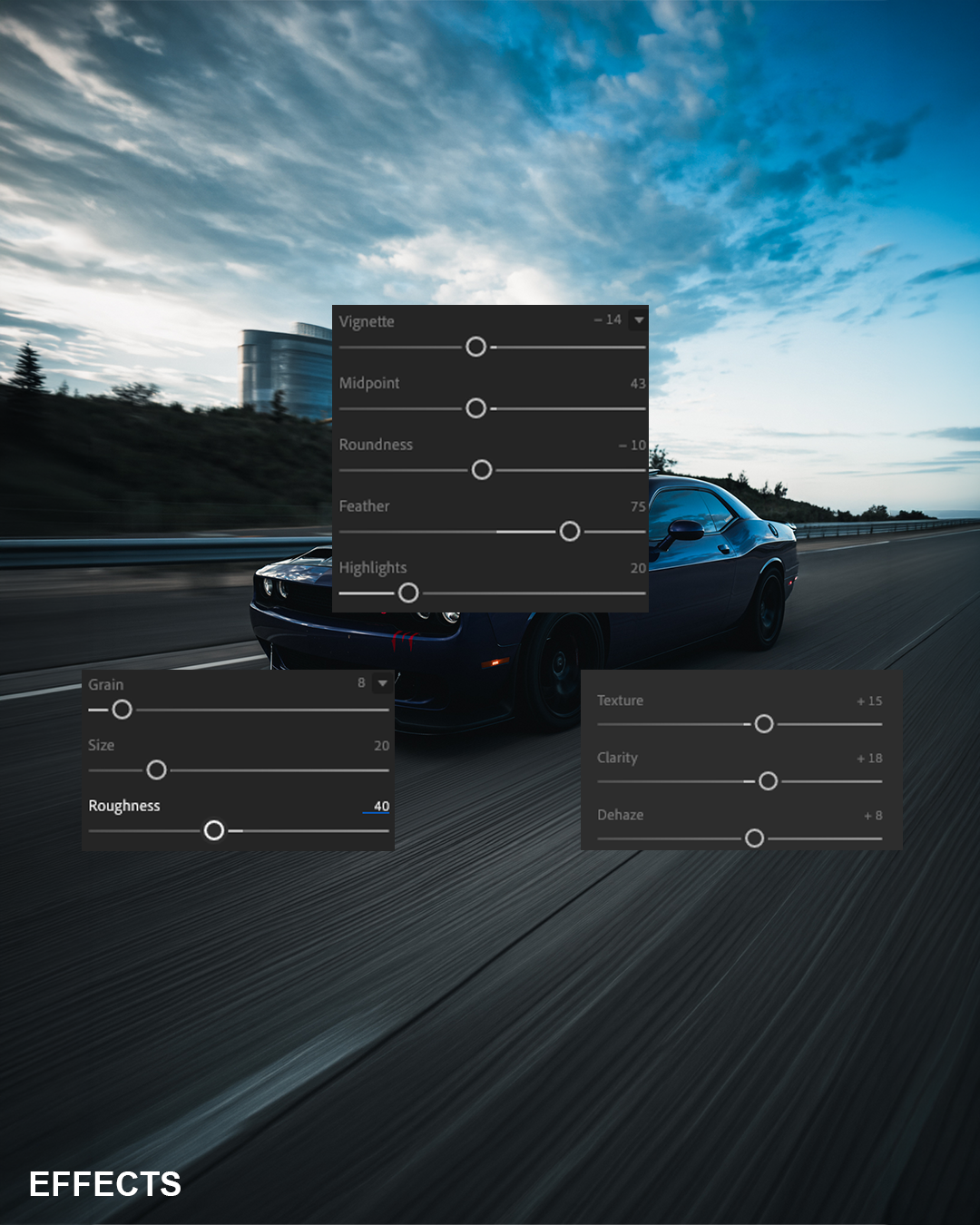
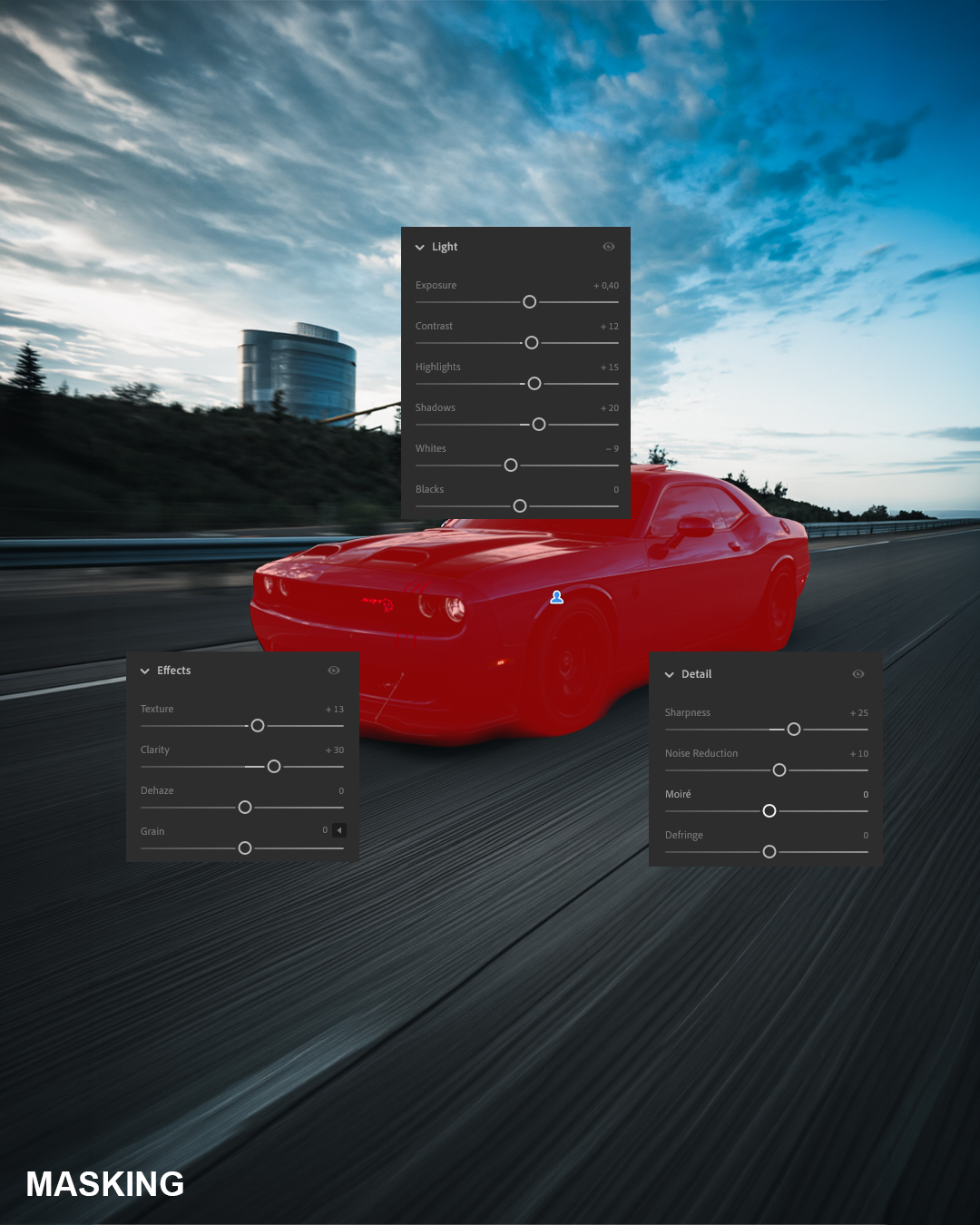
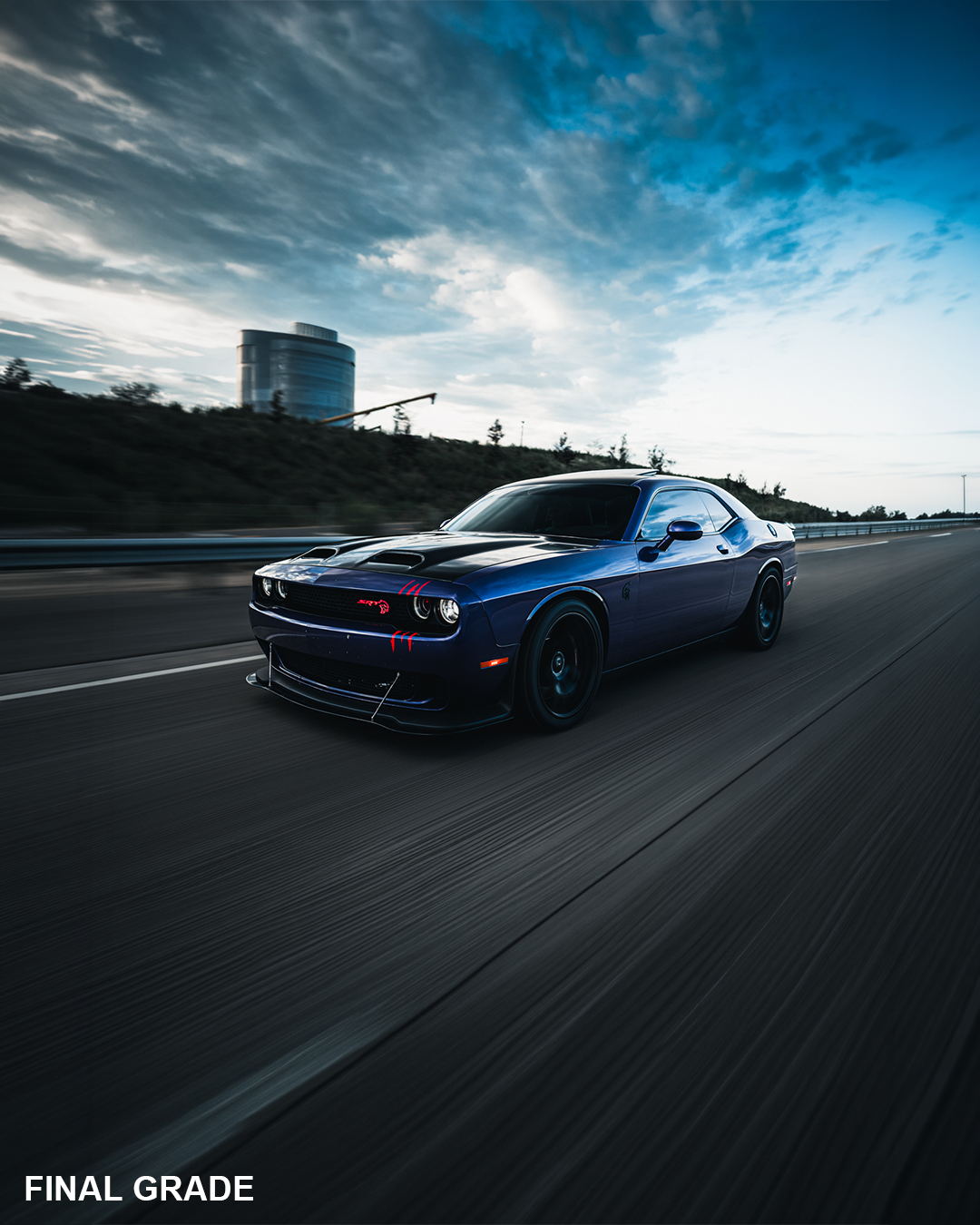
RAWLIGHTGRADINGEFFECTSMASKINGFINAL GRADE
Step 01 / 06
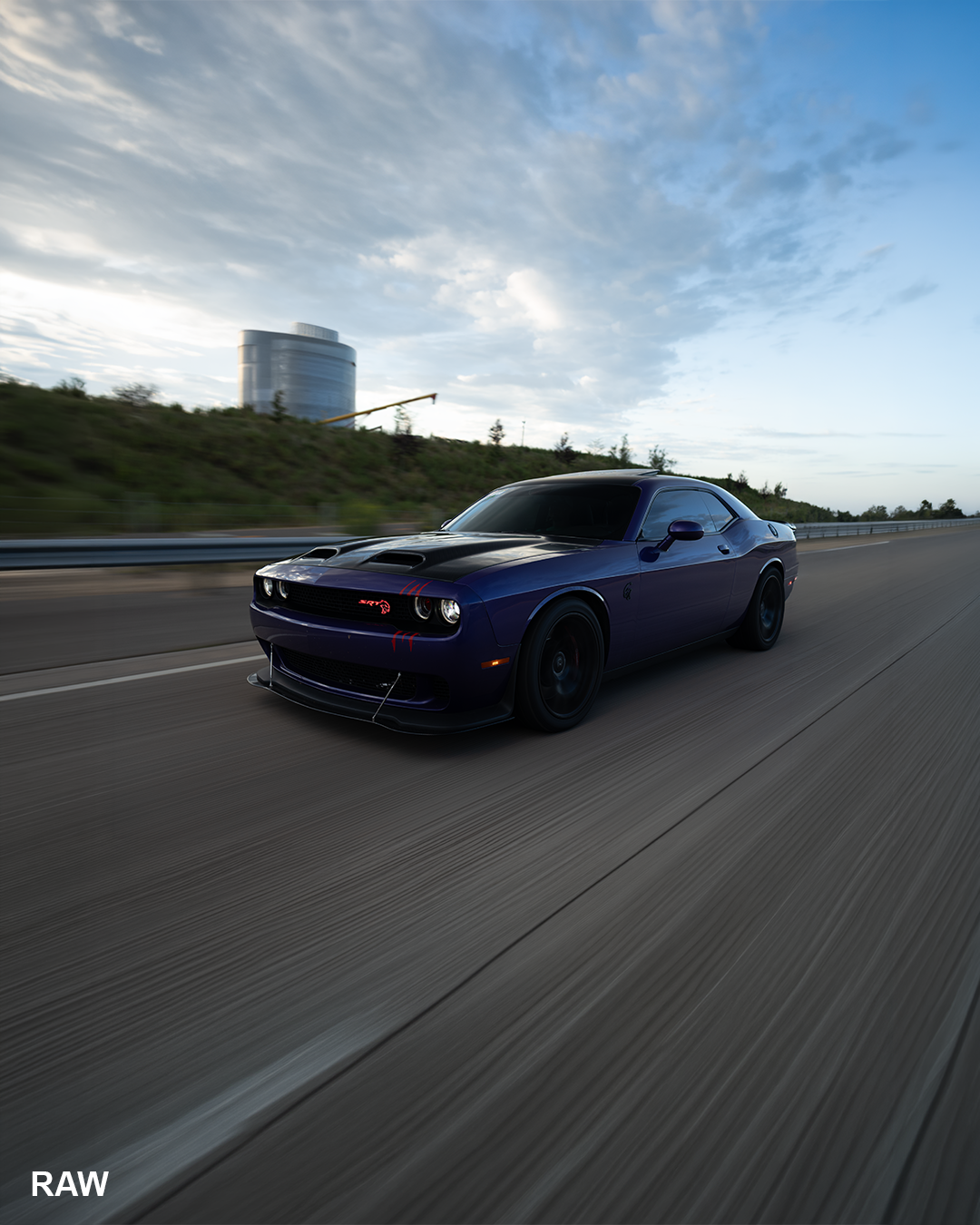
RAW
The untouched RAW image straight out of camera.
Step 02 / 06
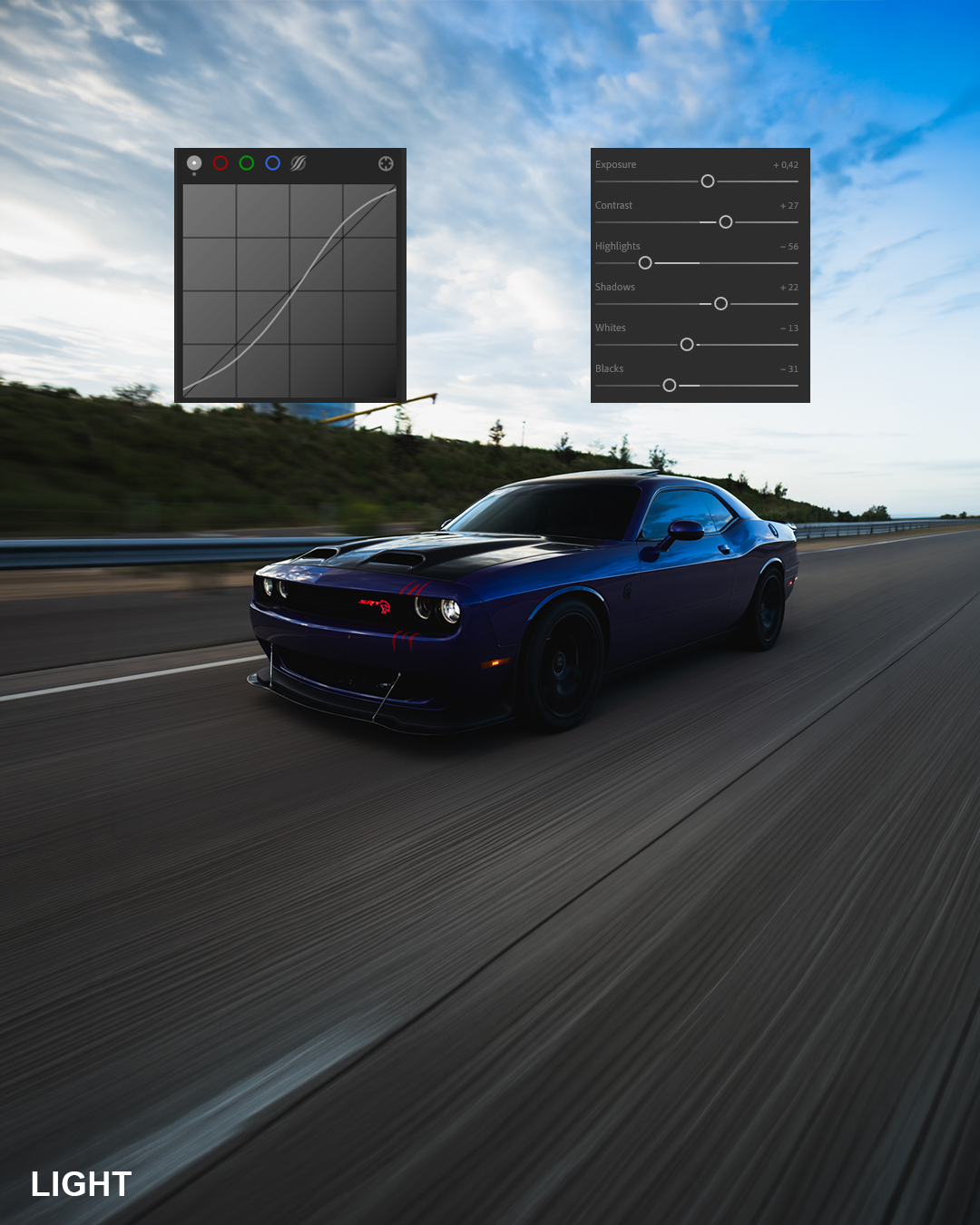
LIGHT
Exposure, contrast and the tone curve create the foundation.
Step 03 / 06
GRADING
Carefully crafted colors create the signature cinematic look.
Step 04 / 06
EFFECTS
Texture, clarity and subtle effects add depth and definition.
Step 05 / 06
MASKING
Targeted masks enhance the subject without affecting the background.
Step 06 / 06
FINAL GRADE
The final result — cinematic, detailed and ready to share.
01 / 06

COMPARE EDITIONS

FEATURES
Price
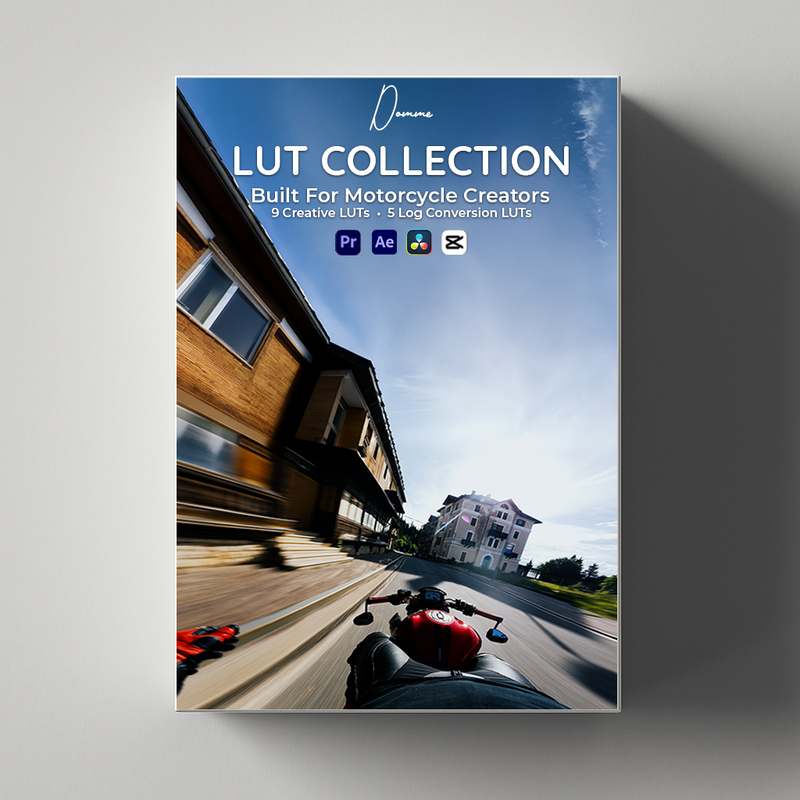
9 Creative LUTs
5 Log Conversion LUTs
11 Lightroom Presets
Installation Guide
Step-by-Step Videos
Camera Setup
Color Grading Workflow
Export Settings
Ultra Quality Workflow
Photoshop + AI Photos
Future Updates
LUT Pack
€29,95€24,95
Written Guide
POV Mastery
€49,95€44,95
Video Tutorials
Full Course
GET THE PACK

DOMME — STORE

Choose Your Pack

Video or photo — every pack is built for the same premium motorcycle-commercial look.

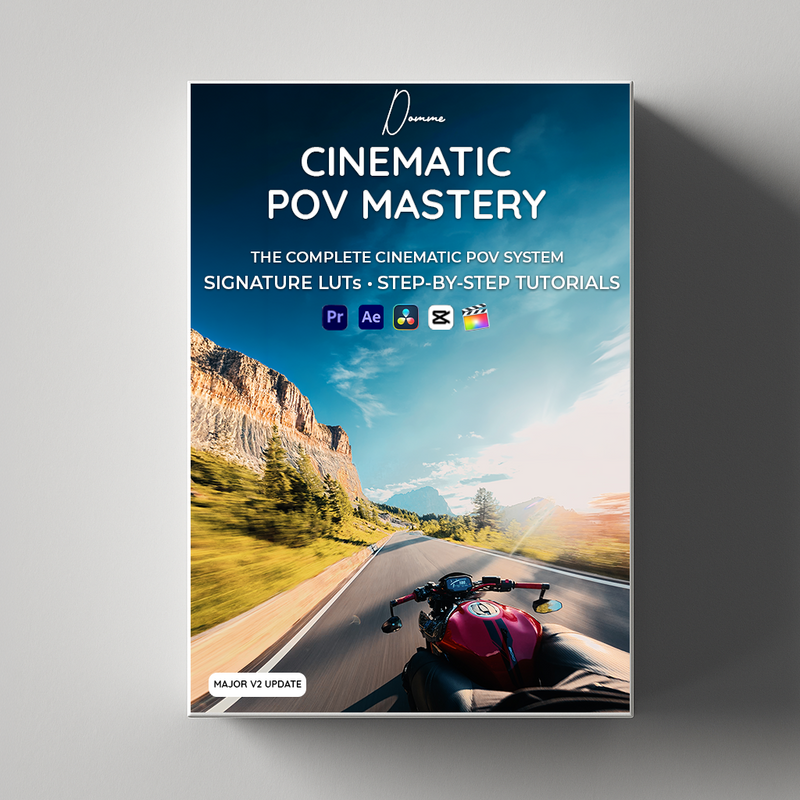
Cinematic POV Mastery
€44,95
View Pack
Cinematic POV LUT Collection
€24,95
View Pack
Cinematic Lightroom Preset Collection
€29,95
View Pack