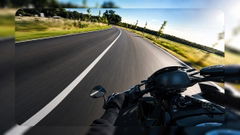
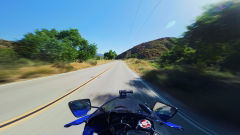
Something went wrong. Please try again.
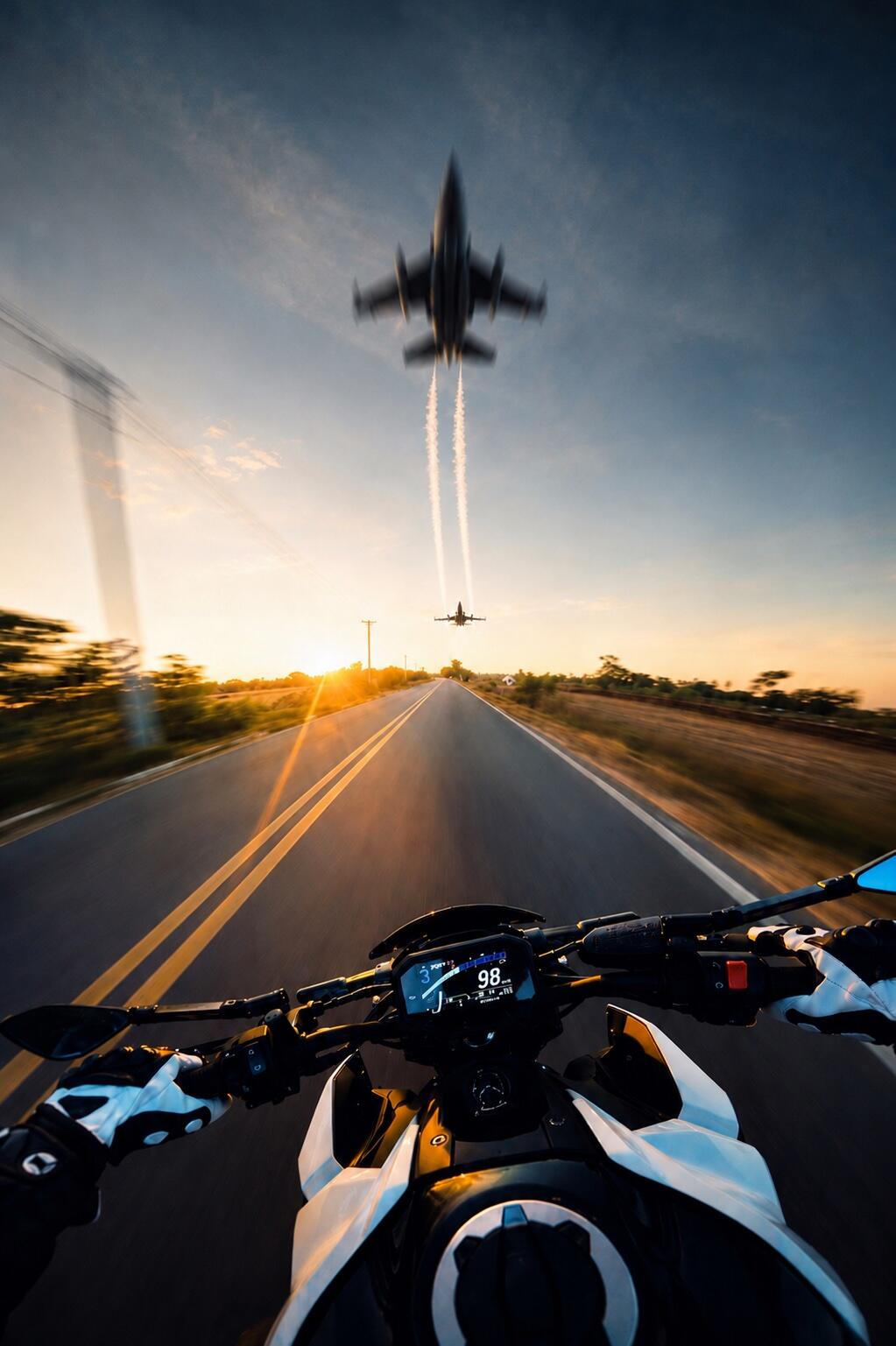
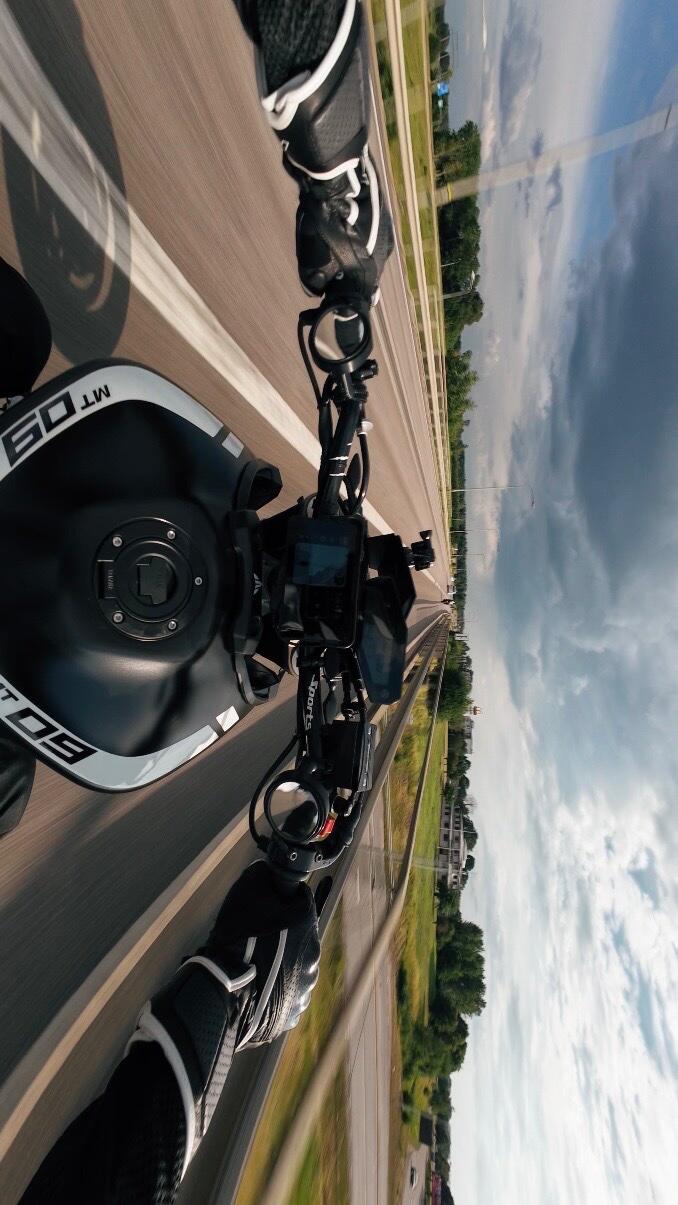
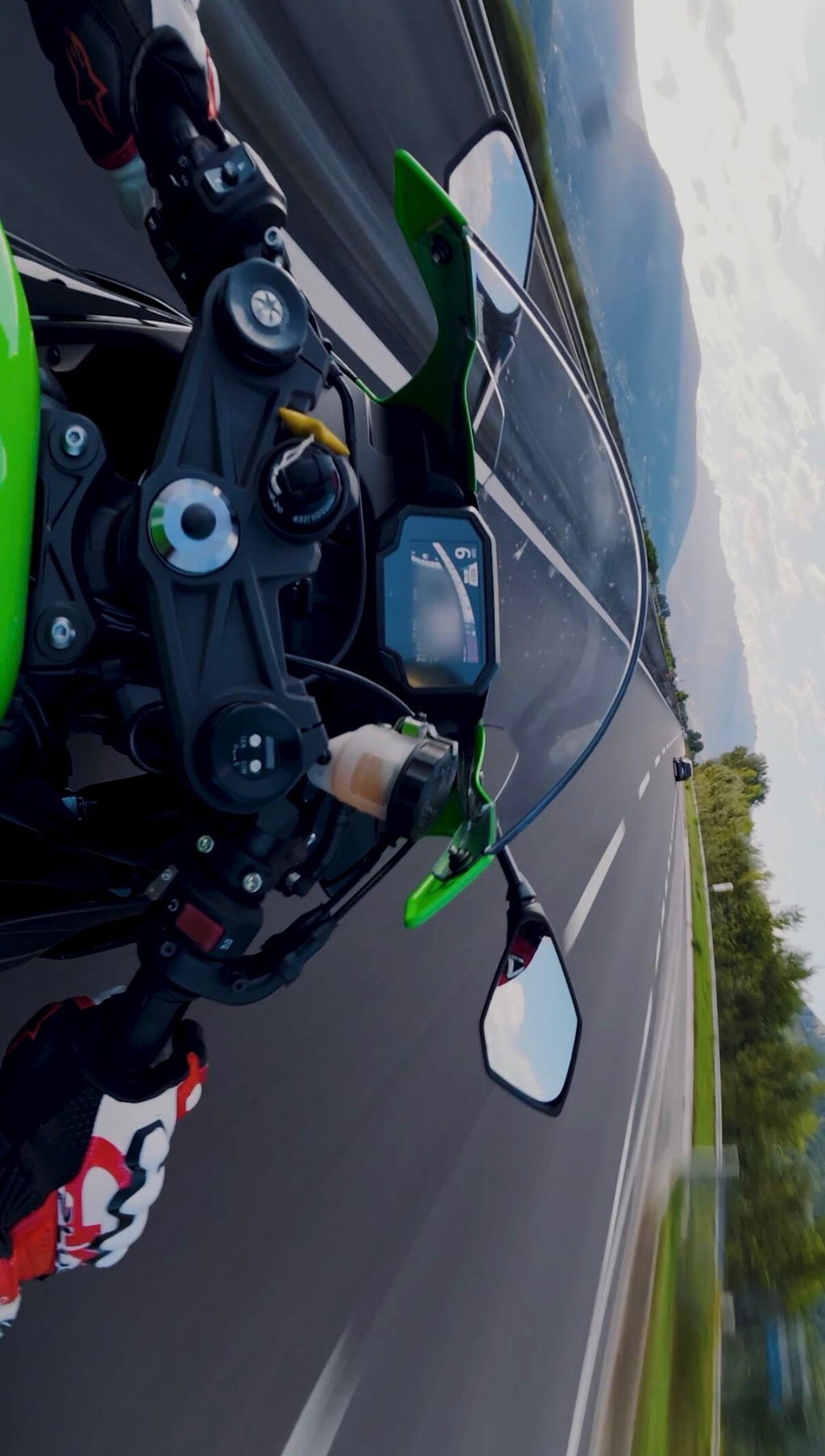
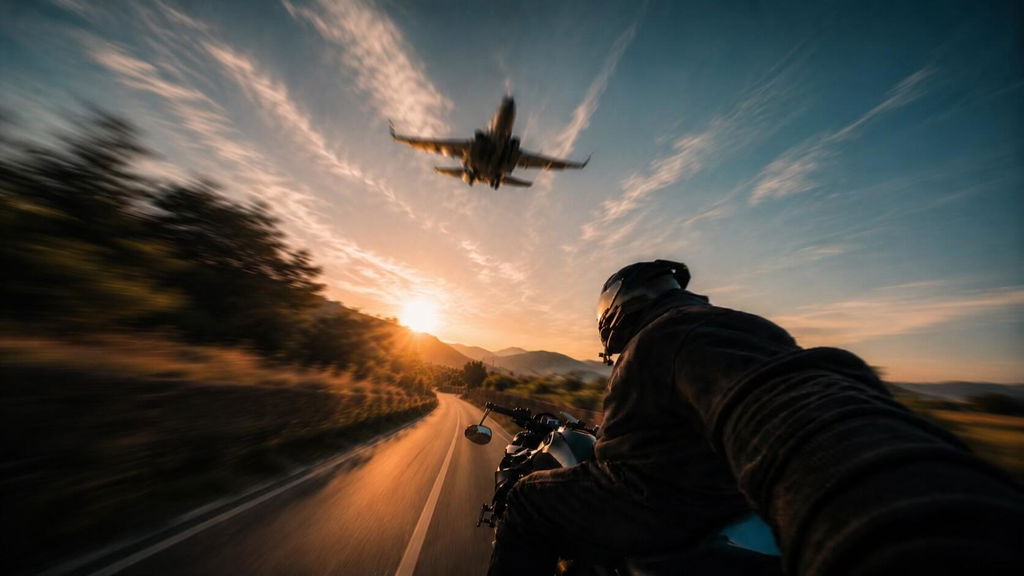
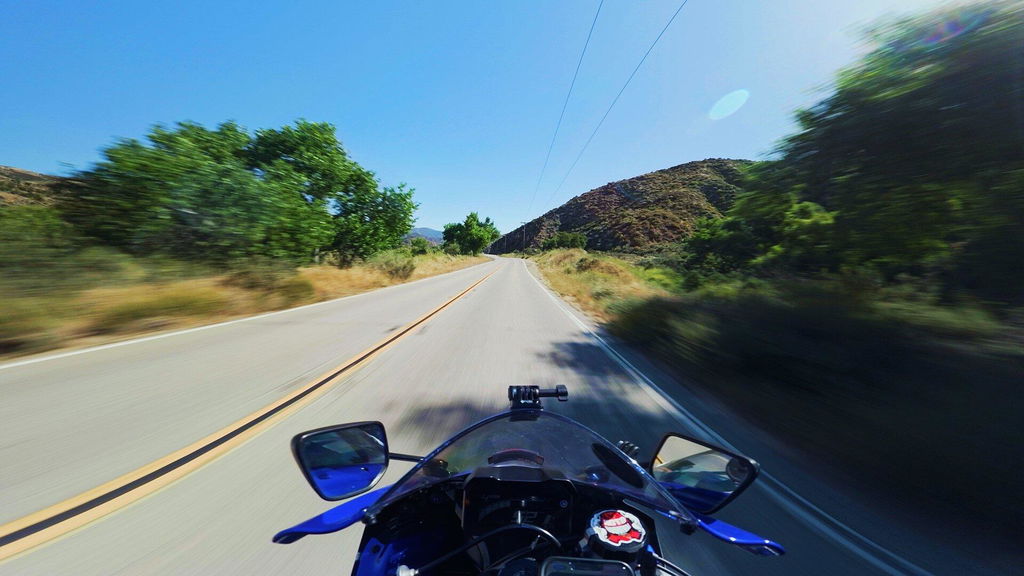
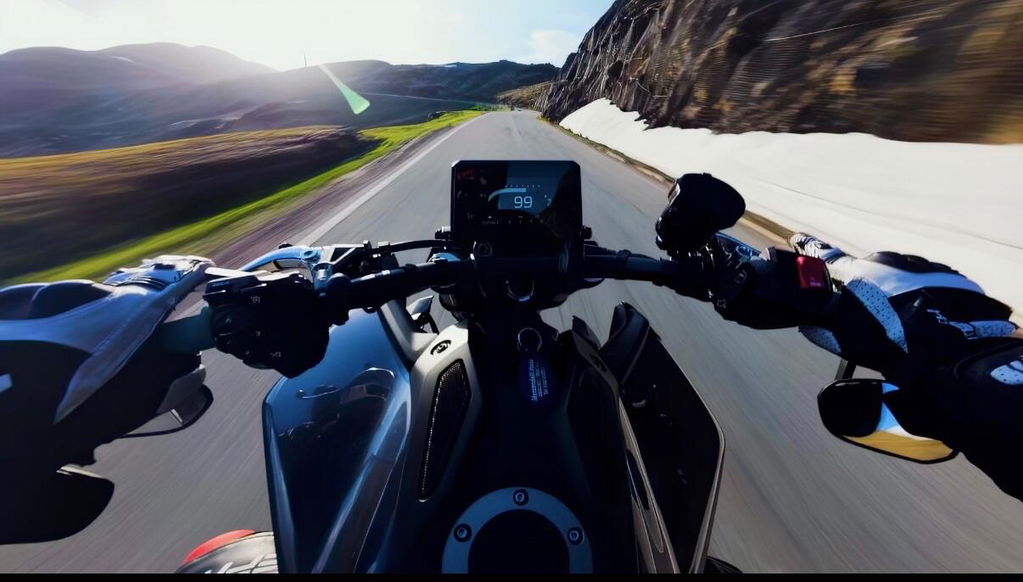
Learn how to create ultra crisp cinematic motorcycle videos from zero — even if you have no filming or editing experience.
Everything I use to film, edit and export my ultra crisp videos — explained step by step for beginners.
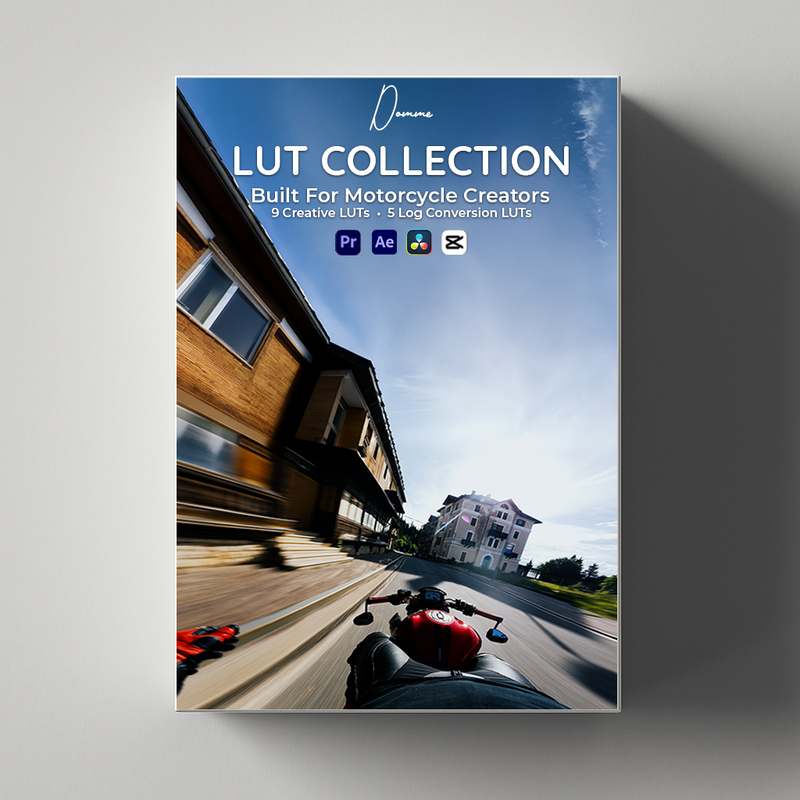
• 9 Cinematic LUTs
• 5 Conversion LUTs
VIEW ALL THE LUTS
• Beginner-friendly camera settings
Learn how I set up my camera for sharp, professional-looking footage
• Microphone setup + placement
For clean engine sound and better riding audio
• Full editing workflow
Step-by-step tutorials for Premiere Pro and DaVinci Resolve
• Color grading workflow
How I use LUTs and manual adjustments to get my cinematic look
• Export settings for maximum quality
My exact Premiere Pro and DaVinci Resolve export settings
• Topaz AI ultra quality workflow
My upscaling, sharpening and FPS upscale settings for ultra crisp footage
• Cinematic photo workflow
How I turn clips into ultra-wide cinematic photos using Photoshop + AI
• Creator Gallery
Use the LUTs on your own content and submit your best work for a chance to be featured on the website — with your Instagram profile linked directly below your video.
This is my complete system – from filming to final result.
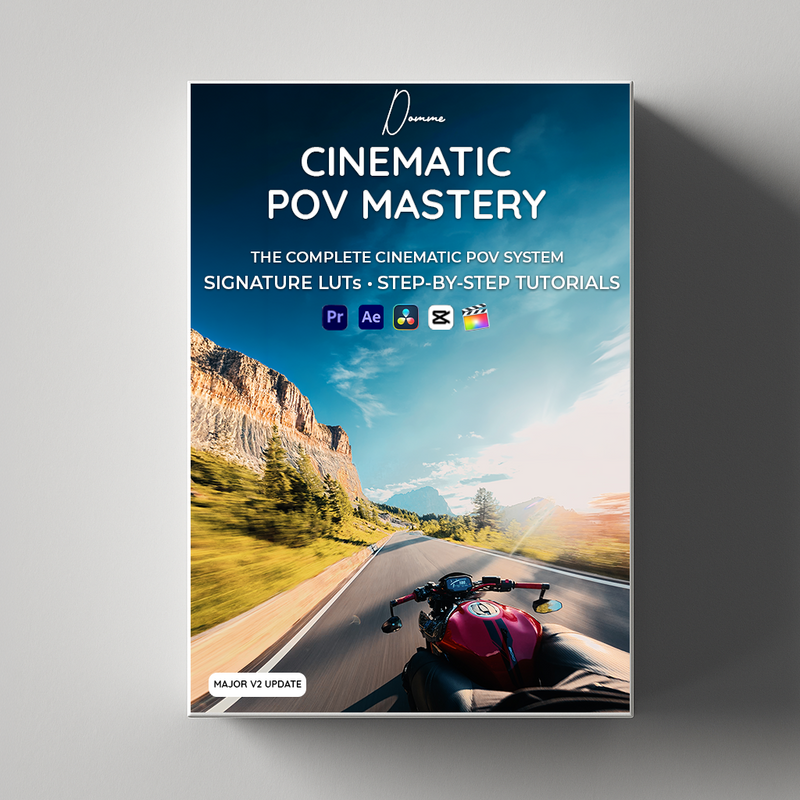
Cinematic POV Mastery V2 is the biggest update to the pack yet — completely rebuilt to make the full process clearer, faster and easier to follow.
• New Cinematic Formula – understand what creates the final look
• Expanded filming, lighting and POV techniques
• Improved Premiere Pro color grading workflow
• Improved DaVinci Resolve color grading workflow
• New RAW-to-final cinematic reel workflow
• Updated step-by-step written guide
• More detailed explanations and visual examples
• Free for all existing customers
START HERE — The Cinematic Formula
Understand how lighting, filming, correction and color grading work together to create the final cinematic look.
CHAPTER 1 — Capture Cinematic Footage
My complete POV setup, lighting and location choices, plus framing and riding techniques.
CHAPTER 2 — LUT Quick Start
Install the LUTs, choose the right look and learn the correct order for applying them.
CHAPTER 3 — Complete Color Grading
Step-by-step Premiere Pro and DaVinci Resolve workflows from LOG footage to the final grade.
CHAPTER 4 — RAW to Final Reel Workflow
See how I transform unedited footage into a complete cinematic reel from start to finish.
CHAPTER 5 — Export & Ultra Quality
My best export settings for social media, plus the optional Topaz AI quality workflow.
BONUS — Cinematic Photos
Turn video frames into cinematic photos using Photoshop and AI.
Clear, visual and beginner-friendly — no previous editing experience required.
A full written step-by-step guide to follow alongside the video tutorials.
This makes the process faster, easier to understand and easy to follow while editing.
Inside the guide, I break down the complete workflow:
• Camera setup
• Microphone settings
• Shooting basics
• Premiere Pro editing workflow
• DaVinci Resolve editing workflow
• LUT installation
• Color grading
• Export settings
• Topaz AI quality workflow
• Cinematic photo workflow
Use it as a quick reference while editing or follow it step by step from start to finish.
• A computer, PC or Mac
• Premiere Pro or DaVinci Resolve
• No editing experience needed — I explain the workflow step by step
• Topaz AI recommended for ultra crisp quality
• Photoshop recommended for cinematic photo creation
• Lifetime updates included
• New LUTs and tools added regularly
• Future tutorials (Premiere Pro & DaVinci Resolve)
• Continuous improvements to the workflow
Pickup currently not available
Instant digital delivery. By completing your purchase you expressly consent to immediate delivery of the digital content and acknowledge that you thereby waive your 14-day right of withdrawal (EU consumer law).


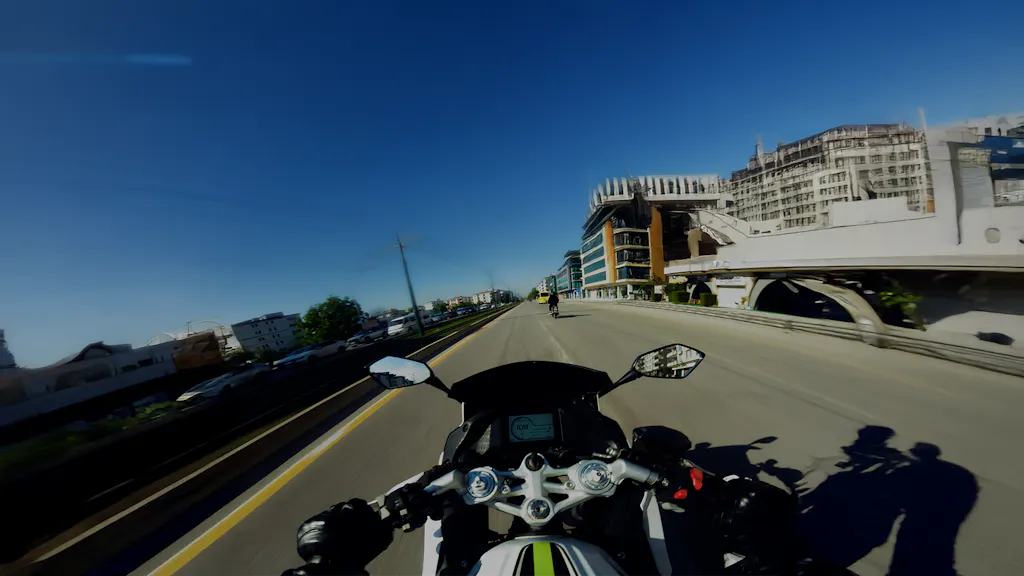
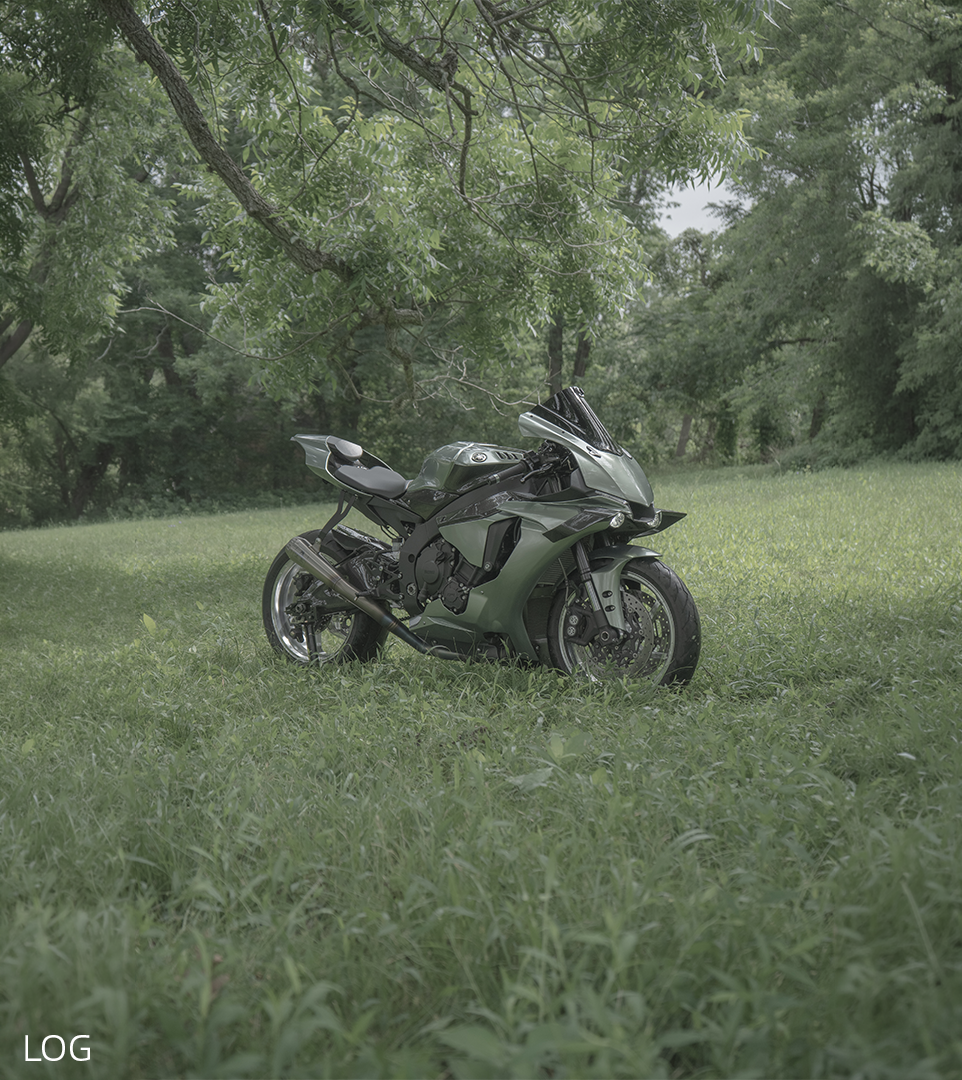
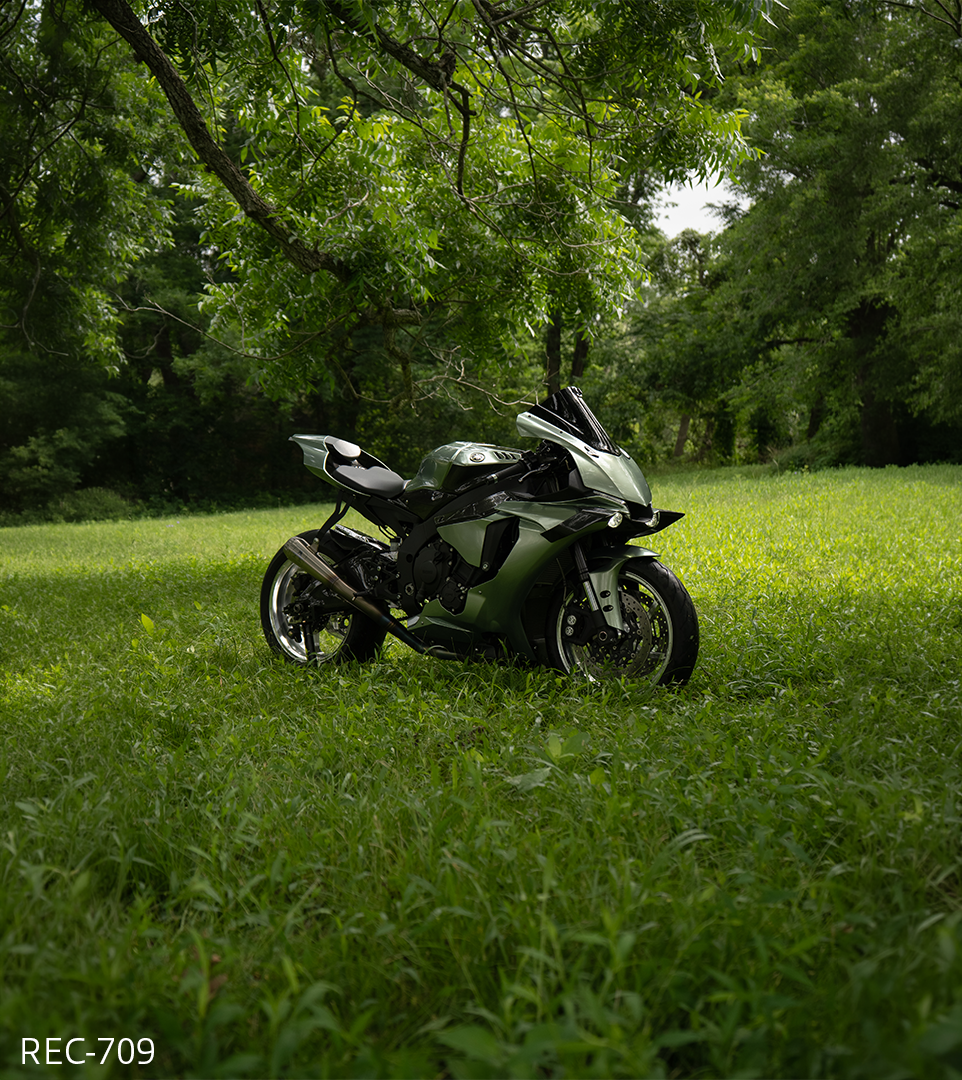
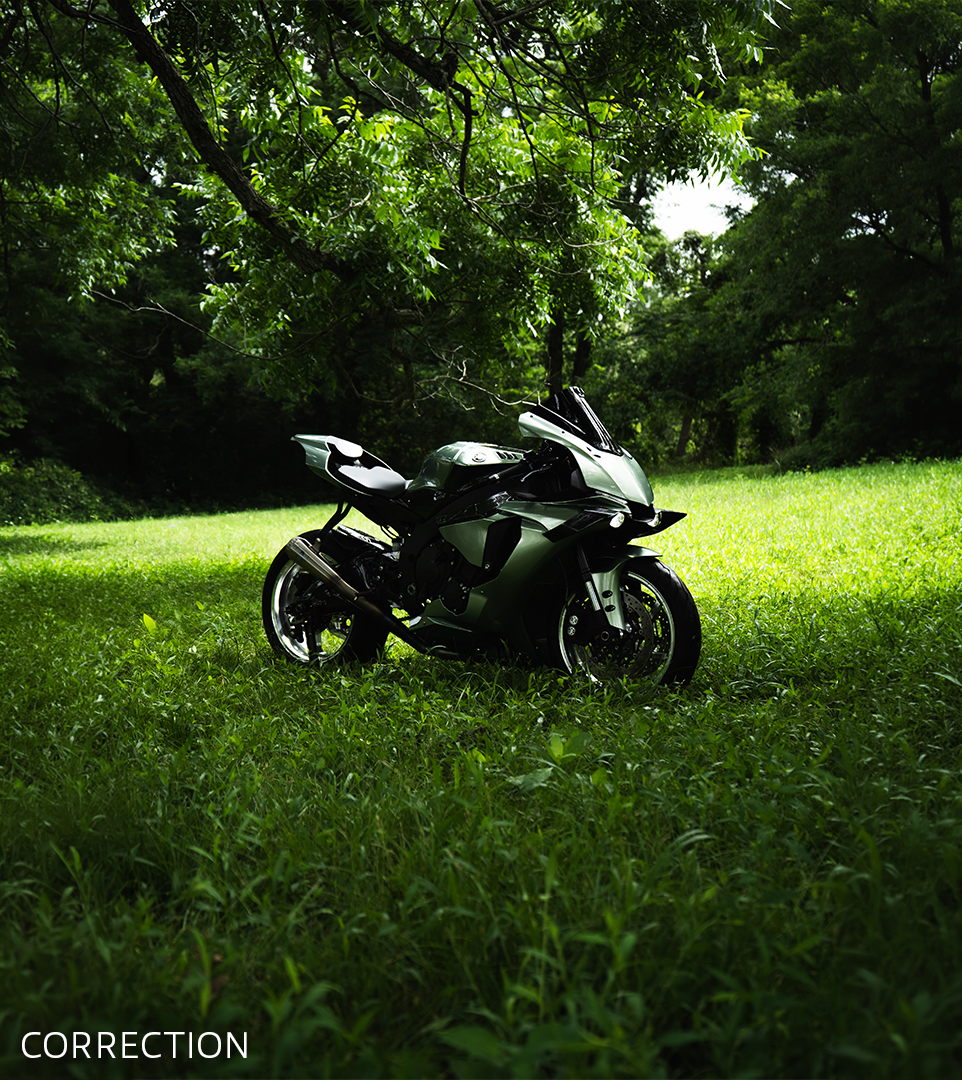
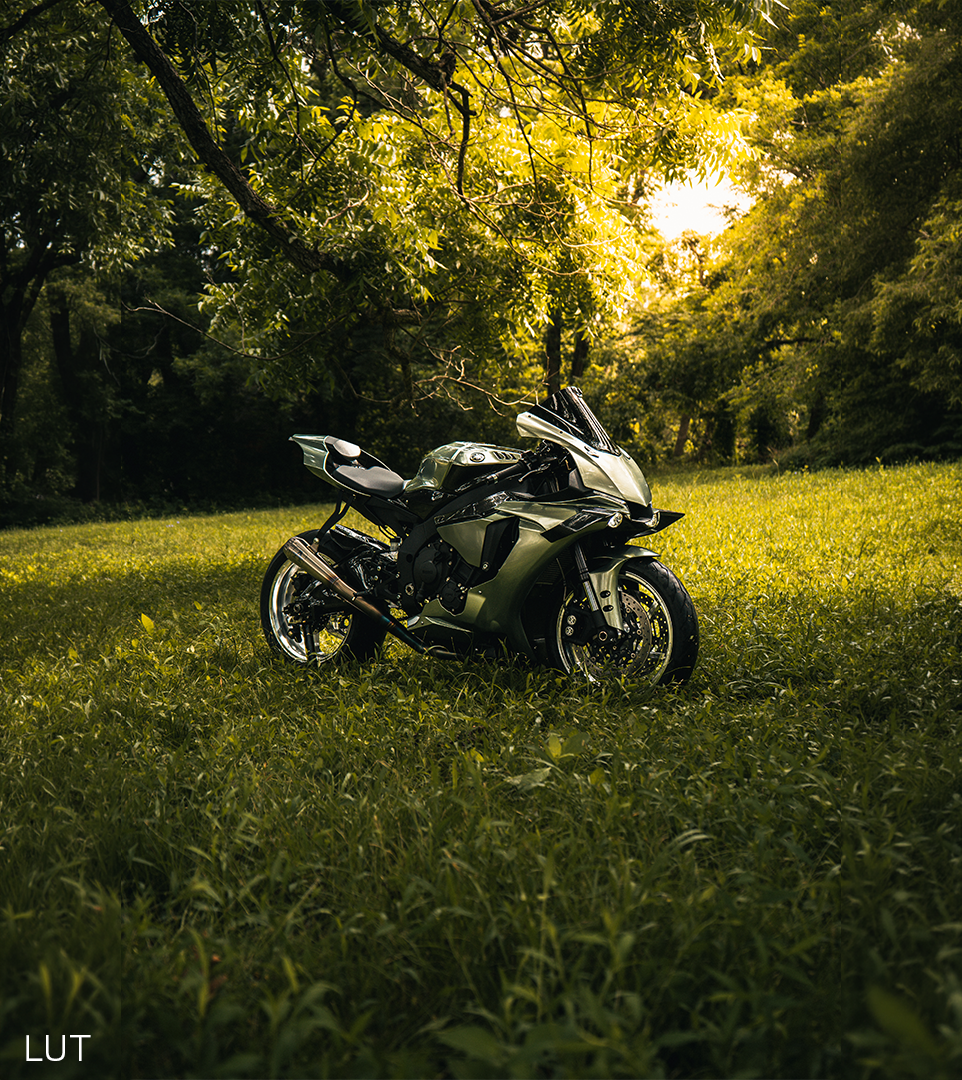
FLAT LOG → CINEMATIC
From flat Log footage to ultra cinematic in seconds.
VIEW ALL LUTSTHE PROCESS
The exact process behind the signature cinematic look — step by step.
See what real riders are shooting with the packs — every clip in the gallery was graded with them.
View the creator galleryIf you're shooting POV content and want clean, cinematic results with ultra quality — without overcomplicating the process — this is for you.
No complex setup.
No overthinking.
Just a simple system you can follow to get the same ultra quality result.
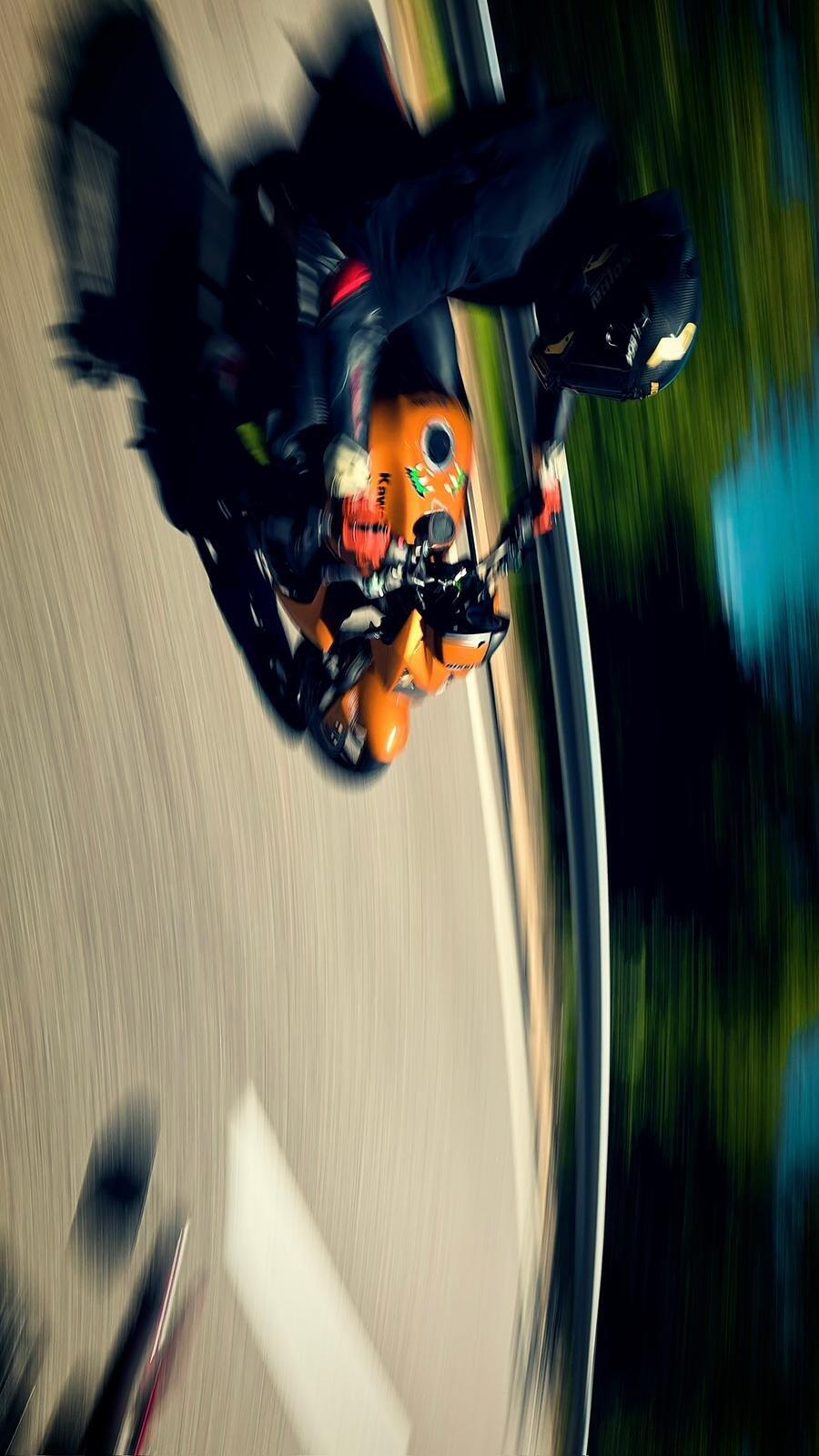
Video or photo — every pack is built for the same premium motorcycle-commercial look.
Absolutely love this LUT pack! It gives my footage a clean, cinematic look and makes editing so much easier. The results are incredible.
Definitely the best looking POV videos on this planet. A real inspiration to want to find that little extra in every moment.
The Guide was a gamechanger!! Easy to understand and execute with all these super LUT‘s and the Quality Export settings you get the best Quality for Instareels in 30 min youre set!!
10000% worth it!
I took my time before writing this review. After using the workflow multiple times, I can confidently say it has made my work much easier and improved my overall results.
Just what I needed to give my footage that final touch of color. Not only works great with 10-bit cameras but ALSO 8-bit cameras like the Ace Pro 2! Definitely recommend these luts!!
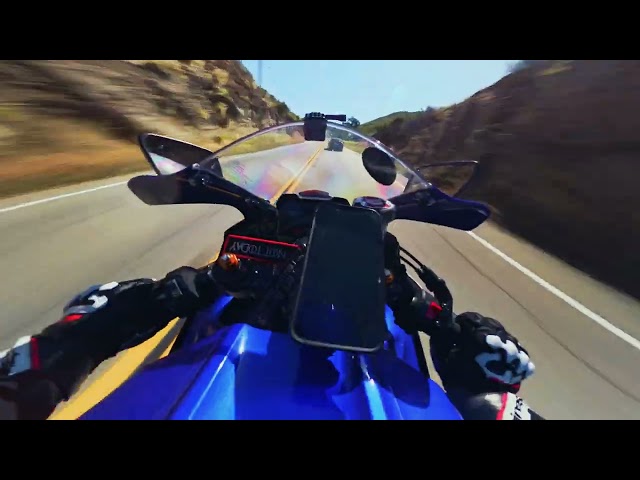
I've tried a lot of LUT packs before, but this one feels like it was actually built for motorcycle footage.
DOOM and ECLIPSE are my personal favorites. The colors look clean, the asphalt has much more depth, and the footage instantly feels more cinematic.
This LUT pack completely changed the look of my videos. The colors are clean, cinematic, and super easy to apply. Works great on different lighting situations and gives footage a professional vibe instantly. Definitely worth it.